

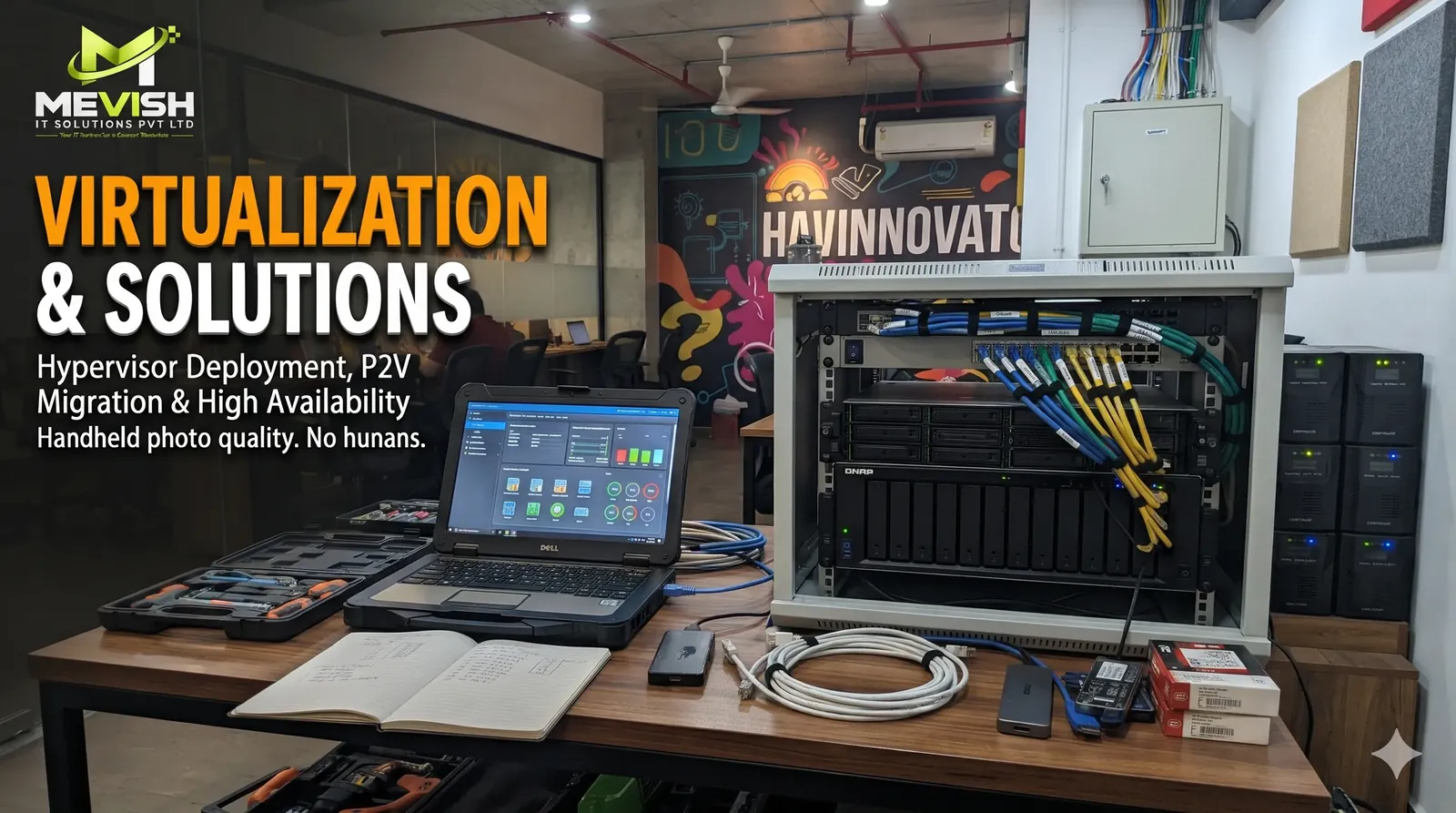
Virtualization Solutions: Consolidate Servers, Improve Utilization
Many businesses run a separate physical server for each job: one for files, one for accounting software, one for email, one for the application database. Over time this leads to a room full of machines that are mostly underused, consume a lot of power, take up space, cost more to maintain and are harder to back up and recover when something fails.
Virtualization solves this. It lets one powerful physical server run several virtual servers at the same time, each working as an independent computer with its own operating system and applications. Your file server, application server and database server can all run safely side by side on the same hardware, completely separated from each other.
Our Virtualization Solutions service helps you get more out of your hardware. We design and build a virtual environment using platforms such as VMware, Microsoft Hyper V or Proxmox, move your existing physical servers into virtual machines, and set up high availability, snapshots and backups, so your IT becomes more efficient, flexible and resilient.
What Is Included
Every virtualization project is planned around your requirements and budget. A typical scope includes:
Assessment and capacity planning
We review your current servers, workloads and resource usage to design the right virtual setup.
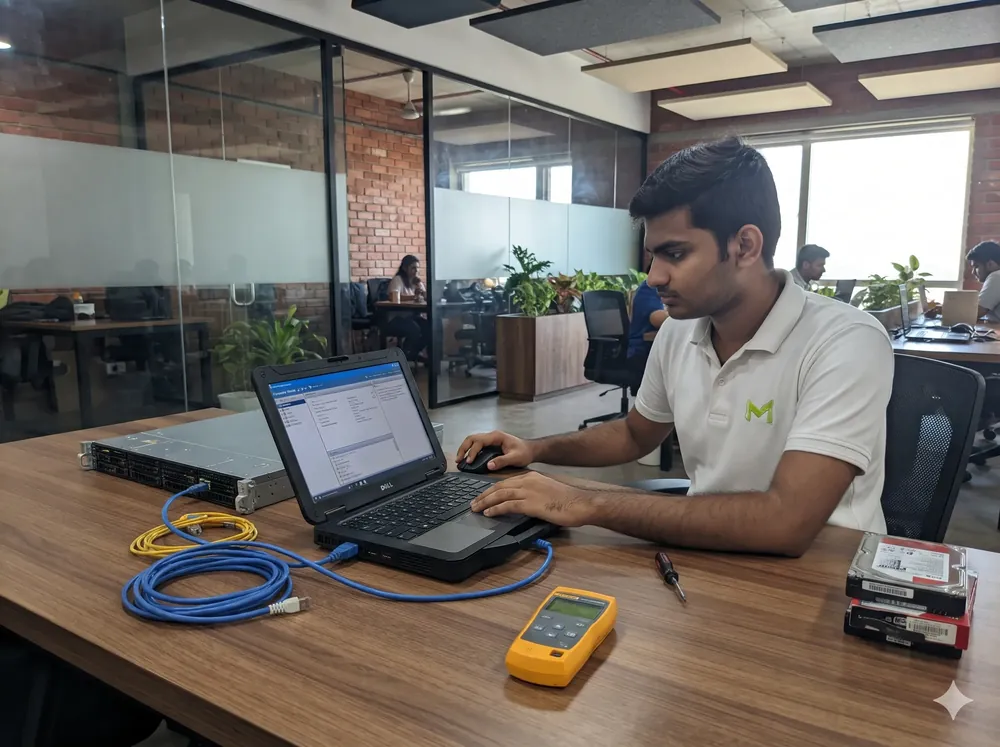
Hypervisor installation and configuration
We deploy VMware vSphere/ESXi, Microsoft Hyper V or Proxmox VE on reliable server hardware.
Virtual machine creation and setup
We build virtual servers for file sharing, Active Directory, databases, ERP, accounting and business applications.
Physical to virtual (P2V) migration
We move existing physical servers into virtual machines with as little downtime as possible.
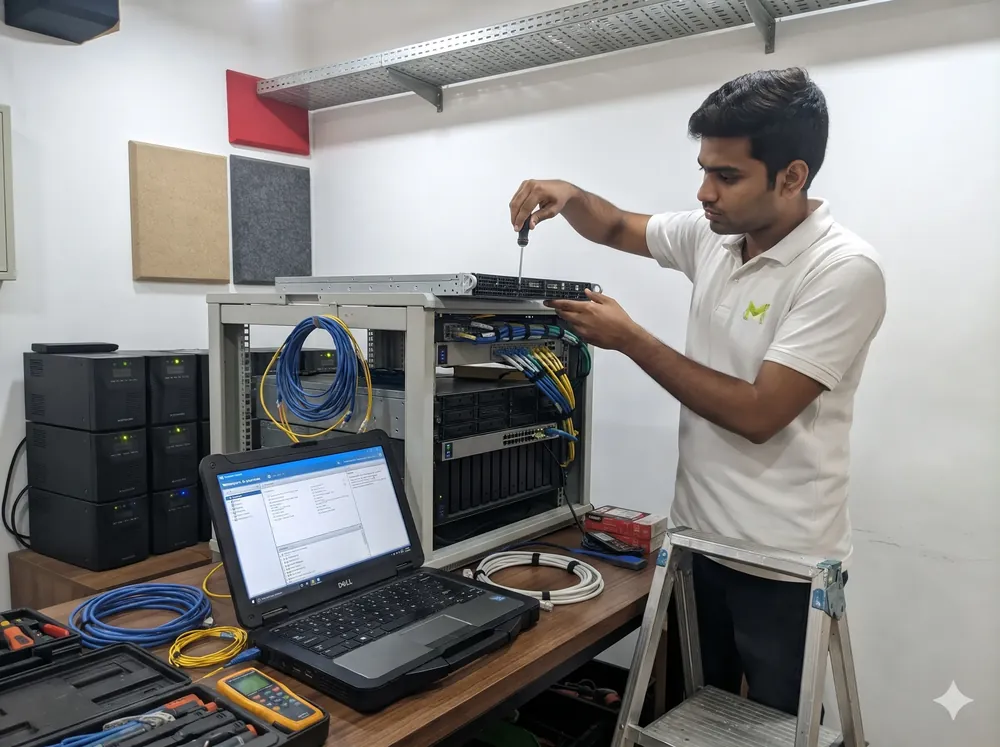
Server consolidation
We reduce several old physical servers to fewer, more powerful machines, which saves space, power and maintenance cost.
High availability and clustering
If one physical host fails, virtual machines automatically restart on another host so services keep running.
Snapshots, VM backup and recovery
We take quick snapshots before changes and set up full virtual machine backups for fast restoration.
Desktop virtualization (VDI)
We provide centrally managed virtual desktops that staff can access securely from any device, where required.

Why It Matters
Lower hardware and power costs
Fewer physical servers mean less spending on equipment, electricity, cooling and space.
Faster deployment
New servers can be created in minutes instead of waiting days for new hardware.
Better uptime
High availability and quick recovery reduce downtime when hardware fails.
Easier backup and disaster recovery
Entire virtual machines can be backed up, copied and restored as a single unit.
Flexible and scalable
Memory, storage and processing power can be adjusted as your business needs change.
Our Process
We understand your requirements, assess your existing servers and workloads, recommend a suitable virtualization platform and design based on your needs and budget, build and migrate the environment, test performance, failover and recovery, and then provide ongoing support and maintenance as required.
Understand your requirements
We discuss your applications, number of users, performance needs, uptime expectations and growth plans.
Assess existing infrastructure
We review current servers, storage, network and resource usage to plan consolidation and sizing.
Recommend the right platform
We suggest the right hypervisor, hardware, storage and licensing (VMware, Hyper V or Proxmox) for your needs and budget.
Build and migrate
We install the virtual platform, create virtual machines and migrate existing servers and applications safely.
Test and validate
We check application performance, failover, snapshots, backups and restores before going live.
Manage and support
We provide ongoing monitoring, resource tuning, patching, backup checks and troubleshooting for your virtual environment.
Who Is This For
This service suits businesses running multiple servers, companies replacing ageing server hardware, and organisations that want better uptime and easier disaster recovery. It is a good fit for corporate offices, schools and colleges, hospitals, software and IT companies, manufacturing units and any business that runs ERP, databases or several business applications.
Frequently asked questions

Facing an IT Issue? Raise a Request.
- 1Tell us the issueShare a few details in the form
- 2We call you backAn engineer reviews and contacts you
- 3Fixed remotely or on siteMost issues solved in minutes
Find Us:
India, On site and Remote IT SupportAvailability:
24 x 7 (Open)Round the clock IT supportIT Support Request
Our support desk is open 24 x 7